Captain App
The Captain App puts full order control in your waiter's pocket. Take orders, send KOTs, update or cancel items, and transfer tables — all from a mobile device, right on the floor, even without internet.
Overview
The Captain App is designed for waiters to take orders quickly and efficiently using mobile devices. Waiters can create orders, generate KOT, transfer orders, cancel items, and print bills directly from the app. Orders are synced with the system in real-time and also work in offline mode, ensuring uninterrupted service even without an internet connection.
Key Features
-
Mobile Order Taking – Waiters can take orders directly from their mobile devices and send them instantly to the kitchen.
-
KOT Generation – Kitchen Order Tickets (KOT) are generated instantly and sent to the respective kitchen.
-
Cancelled KOT – Waiters can cancel items or orders, and cancelled KOT will be updated in the kitchen automatically.
-
Transferred KOT – Orders can be transferred between tables or sections easily without re-entering items.
-
Merge Bills – Combine multiple tables or orders into a single bill for customer convenience.
-
Offline Bill Printing – Bills can be printed even without internet connection, ensuring uninterrupted billing.
-
Offline Mode – The app works offline and automatically syncs data once the internet connection is restored.
-
Real-time Sync – Orders and updates are synced instantly when internet is available.
-
Faster Service – Reduces manual work, improves accuracy, and enhances overall service efficiency.
Overall Features of the Restaurant KOT Module
-
Smart Table Management
-
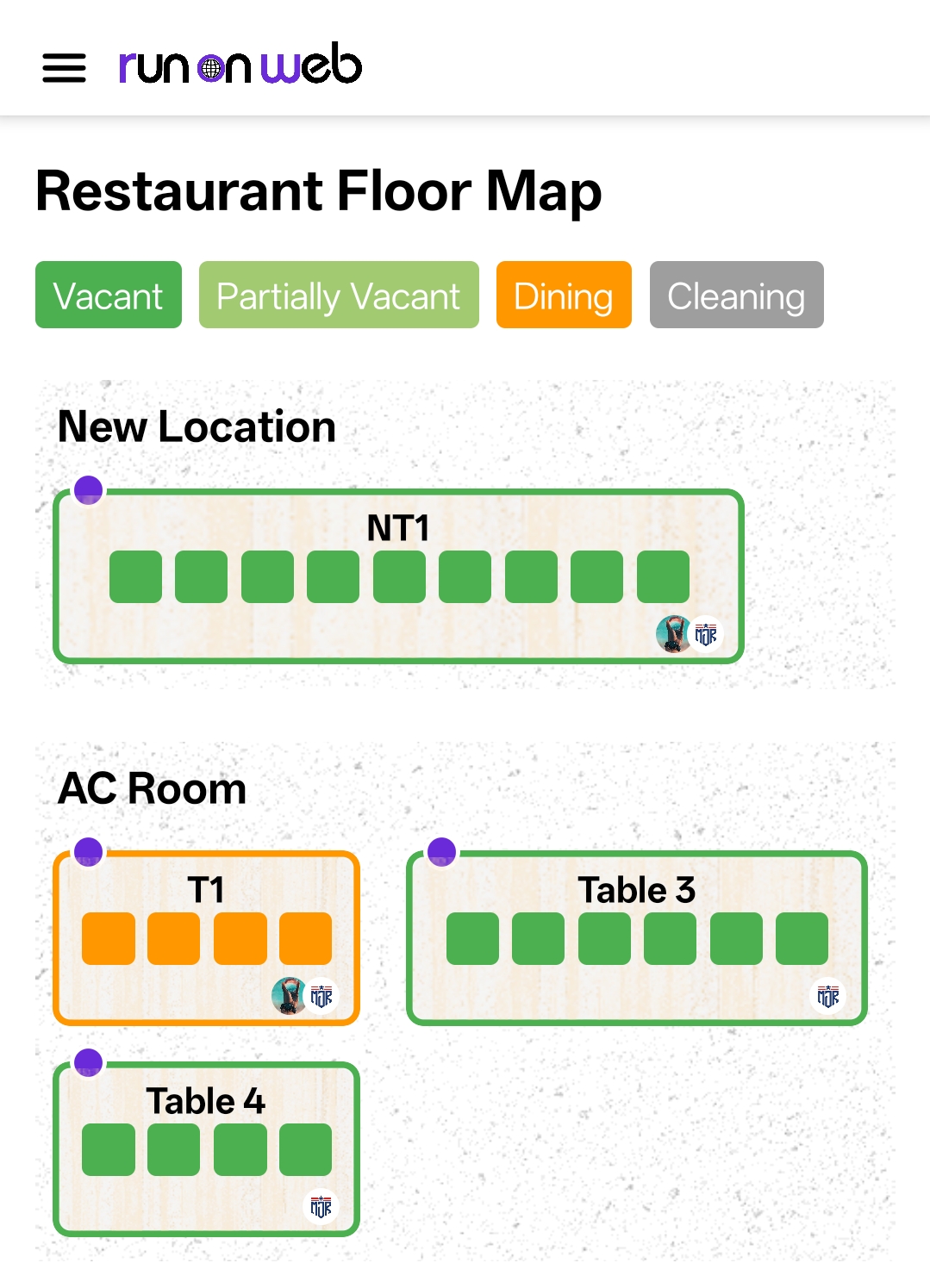
Add and configure tables with details like name, seating capacity, and location (AC, Non-AC, First Floor).
-
Easily track table status as Free, Occupied, or Reserved from a centralized dashboard.
-
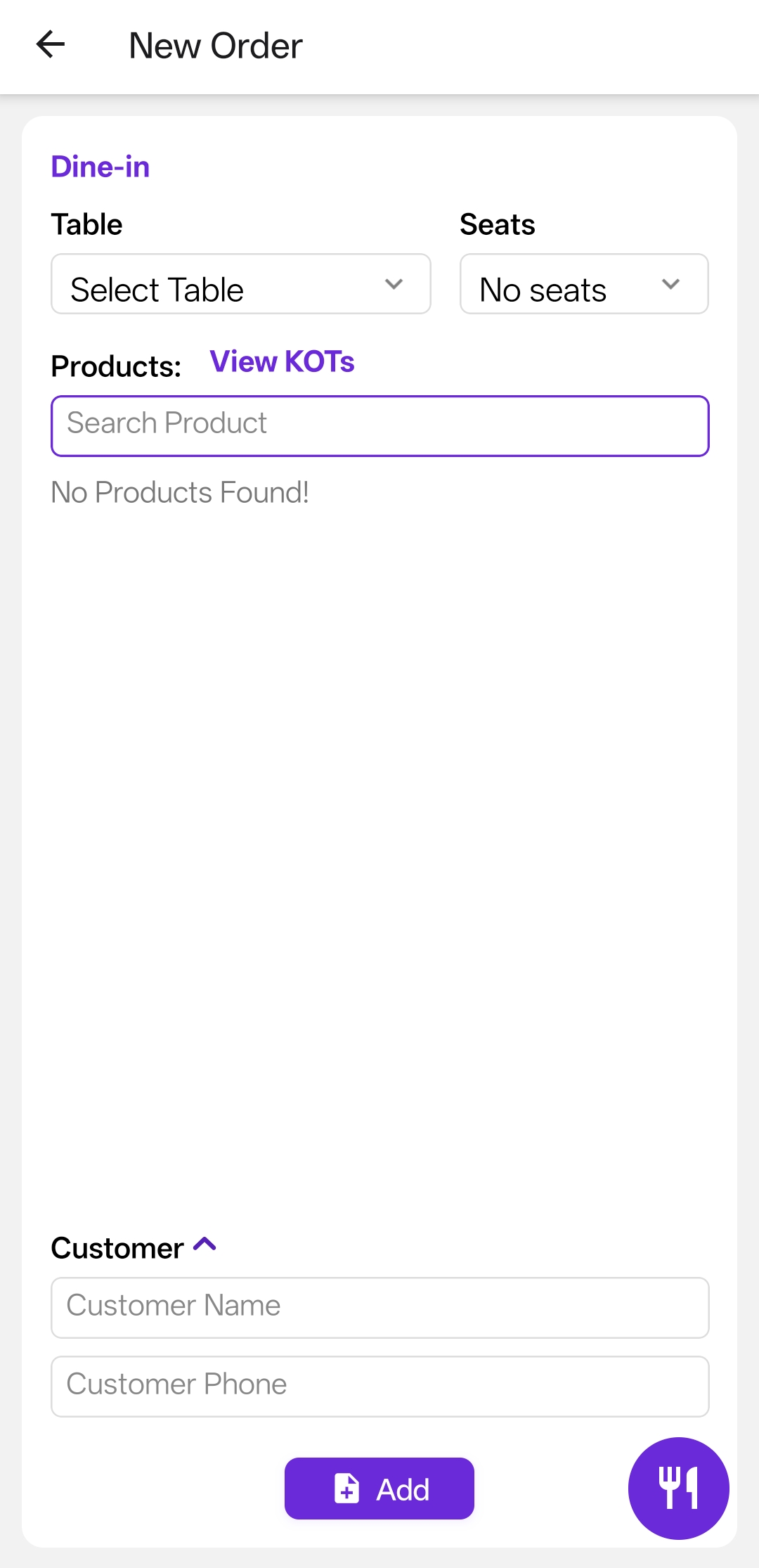
Quick access to take new orders directly from the selected table.
-
-
Comprehensive Order Management
-
View previous orders with details like Bill No, Table, Customer, Products, Discounts, Tax, Payments, and Balance.
-
Create new orders with product selection, customer details, billing, discounts, and multiple payment methods.
-
Edit existing orders, add items, or update received amounts easily.
-
Print professional bills directly from the system.
-
-
Billing & Automated Calculations
-
Automatically calculate product totals, discounts, taxes, and balance amounts.
-
Reduce manual errors and ensure faster billing operations.
-
-
Efficient Kitchen Management
-
Add and manage multiple kitchens with name and location setup.
-
Assign products to specific kitchens so that orders automatically route to the correct place.
-
Kitchen staff can mark dishes as Ready and notify waiters instantly for serving.
-
Integrated printer support ensures orders are printed in the correct kitchen for faster cooking.
-
-
Real-Time Updates & Notifications
-
Orders flow instantly from table to kitchen without manual intervention.
-
Waiters get live notifications when food is prepared and ready to serve.
-
Improves coordination and reduces service delays.
-
Workflow
When a waiter takes an order from the table section, it is automatically sent to the respective kitchen based on the product configuration. The kitchen staff see the items in their dashboard, cook them, and mark them as Ready. Once marked ready, the waiter is notified to serve the items. Finally, the system generates the bill which can be printed and settled in the Order section.



















